Step One – Create a user using the same email registered in the IdP #
You must create the user in Cloud8 after configuring the IdP, using the same email. It is important to configure the User Access Profile before creating the user, given that all authorizations are made by assigning a profile to the user.
If the desired access profile does not exist yet, it will need to be created before authorization.
Step Two – User Authorization #
Go to “Users”, select the desired user and click on “SSO”.
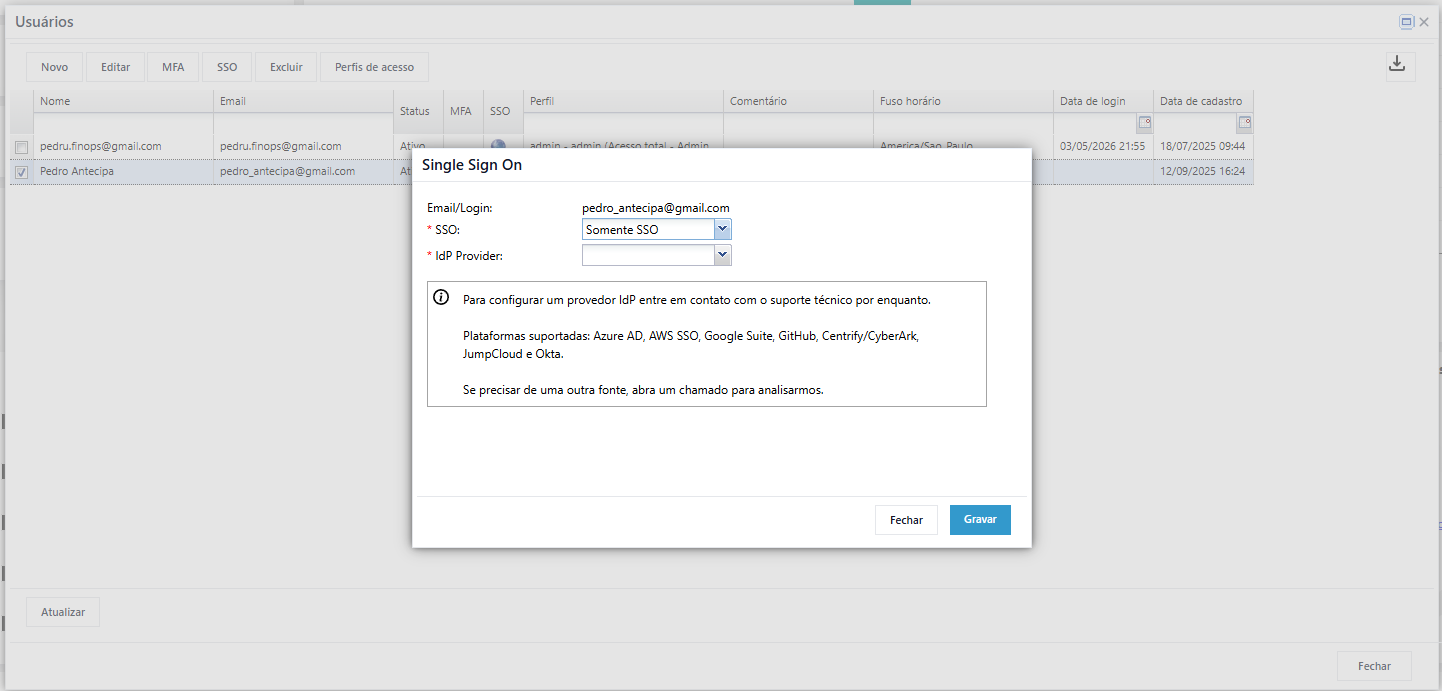
You can set it to “SSO Only” or hybrid. Then, select the IdP Provider registered in the system by submitting a ticket to Cloud8 Technical Support.
Step Three – Test the Configuration #
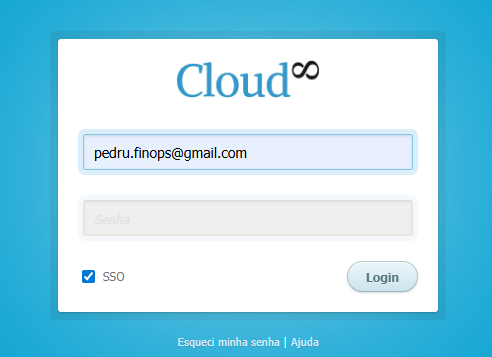
Open an incognito browser window and at https://app.cloud8.com.br, select SSO and log in.