
The Cloud Pricing feature allows users to view the On Demand pricing catalog for various AWS, Azure, and GCP products . In the left sidebar menu, click on FinOps – Reports , and then Cloud pricing .
Support #
This feature is supported for the following products:
- AWS – EC2
- AWS – RDS
- AWS – OpenSearch
- AWS – ElastiCache
- Azure – Compute (Pay-as-You-Go)
- GCP – Compute (Without Sustained Discount)
- GCP – CloudSQL (Without Sustained Discount)
Using Cloud Pricing #
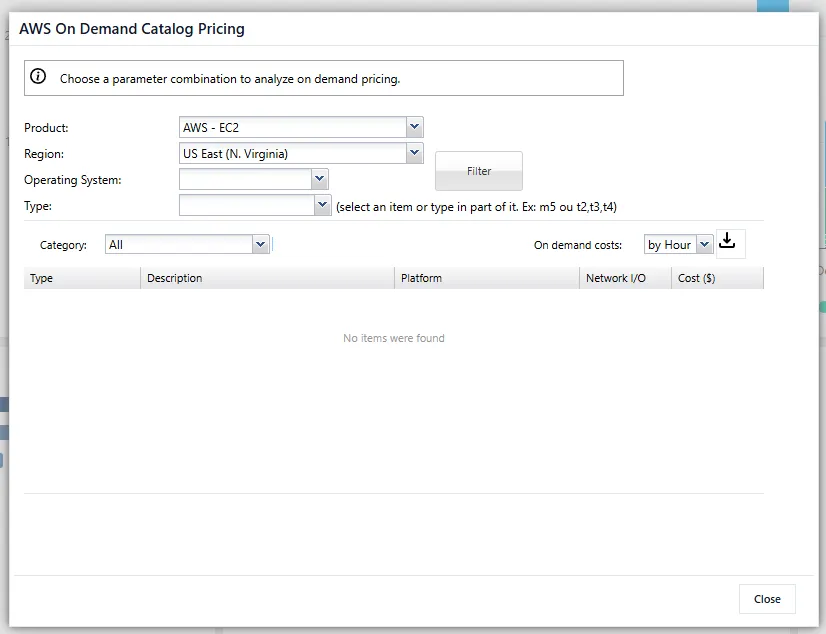
Searching for the price of a specific product #
In the Product section , select the type of product you wish to search for. Then select the Region , Operating System , and Type to define the desired SKU. To perform the search, click Filter . The result returned will be the specific price of a specific SKU.
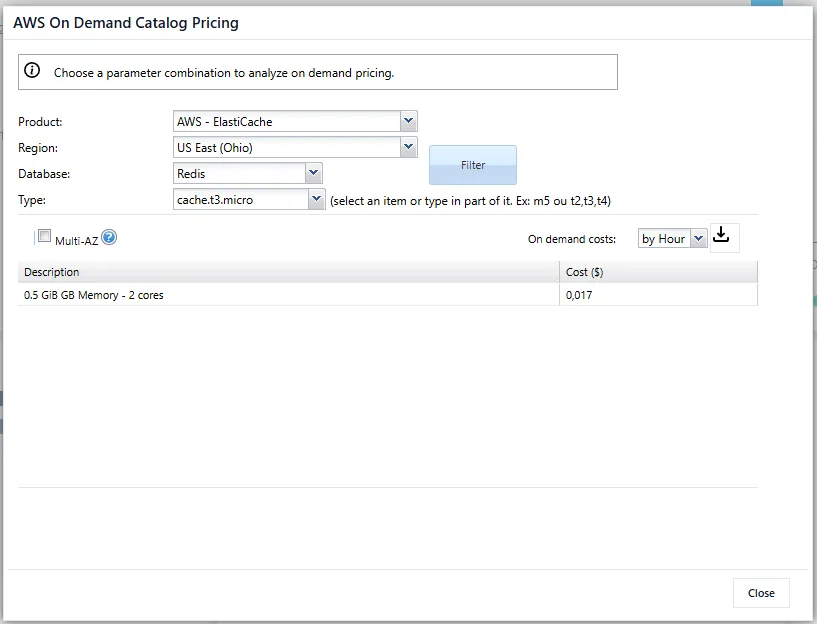
Comparing prices across regions, SKUs, and operating systems. #
The feature allows the user to specify only the Product ; clicking on Filter will return all prices according to the adjusted filter, allowing the user to compare prices between regions, SKUs, Operating Systems, or Database types.
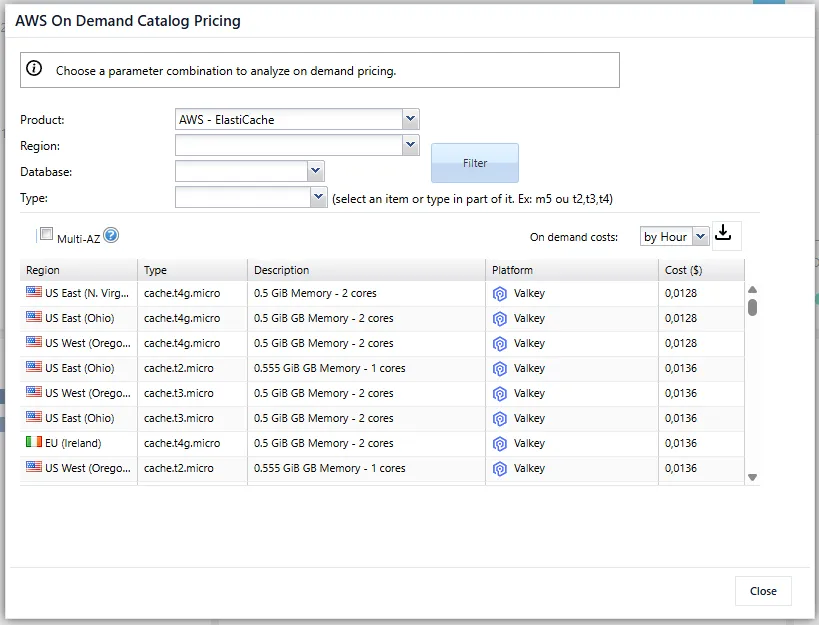
Cloud Pricing functionality stands out as an essential tool for analysis and decision-making in multi-cloud environments, allowing users to easily and centrally consult and compare On Demand prices from different providers and services.
With flexible filters and an intuitive interface, it’s possible to quickly identify the cost of a specific SKU, as well as perform comparative analyses between regions, operating systems, and service types, directly contributing to more efficient FinOps strategies and cloud cost optimization .


